

Share a view or make a figure
A view is saved as a link, a project file or an image.
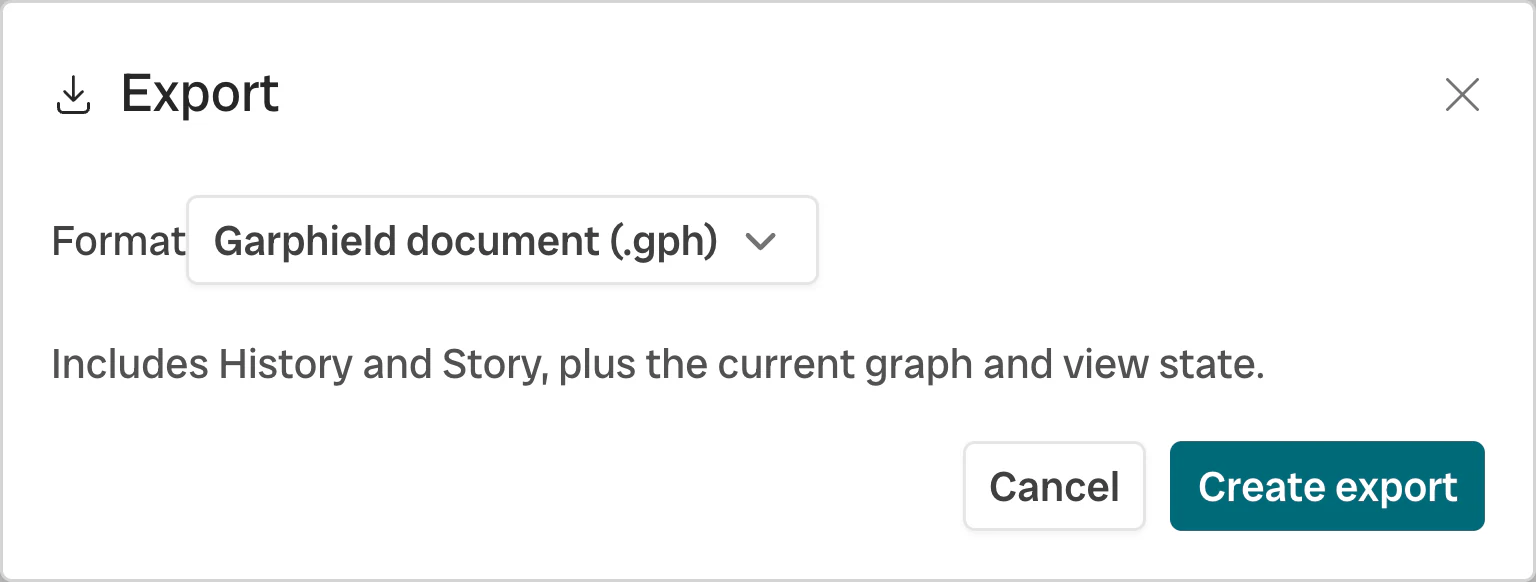
- Format
- Export
-
Save a project
Choose File → Save project or press ⌘ S. A
.gphproject stores the network, positions, bindings, filters, history, sets, annotations and Story. -
Share a URL
For bundled networks and public URL-backed data, copy the Garphield URL. It carries the layout, bindings, filters, selection, camera, annotations, panel state and the node surface style. Python can encode a complete project into an offline
#p=URL of up to 262,144 characters. -
Annotate a selection
Select nodes and choose the annotation action in the selection toolbar. The annotation stays with its saved set in the project.
-
Build a story
Open Story and capture the current view. A step can keep the camera, selection, bindings, filters, annotations and panel state. Add titles, reorder steps and play the sequence from the canvas.
-
Export network data
Choose File → Export for GEXF, GraphML, GML or NetworkX-compatible node-link JSON. Use GEXF to continue in Gephi.
-
Export an image
Export to PNG to capture the current view.
| Artifact | Carries | Suitable for |
|---|---|---|
.gph project |
Network and Garphield workspace | Continuing in Garphield or Python |
| View-state Garphield URL | Supported browser view state | Sharing the same presentation for public or bundled data |
Offline #p= project URL |
Complete project within the inline size limit | Sharing without a file host |
| GEXF, GraphML, GML, node-link JSON | Portable network data and attributes | Importing into Gephi or another analysis tool |
| PNG | Current Garphield view | Reports, papers, and slides |