

Load your data
A network from a file, a URL, a table or a generator is open in the workbench.
Opening data replaces the network in the workspace. Use File → Data library for bundled networks or File → Open for files.
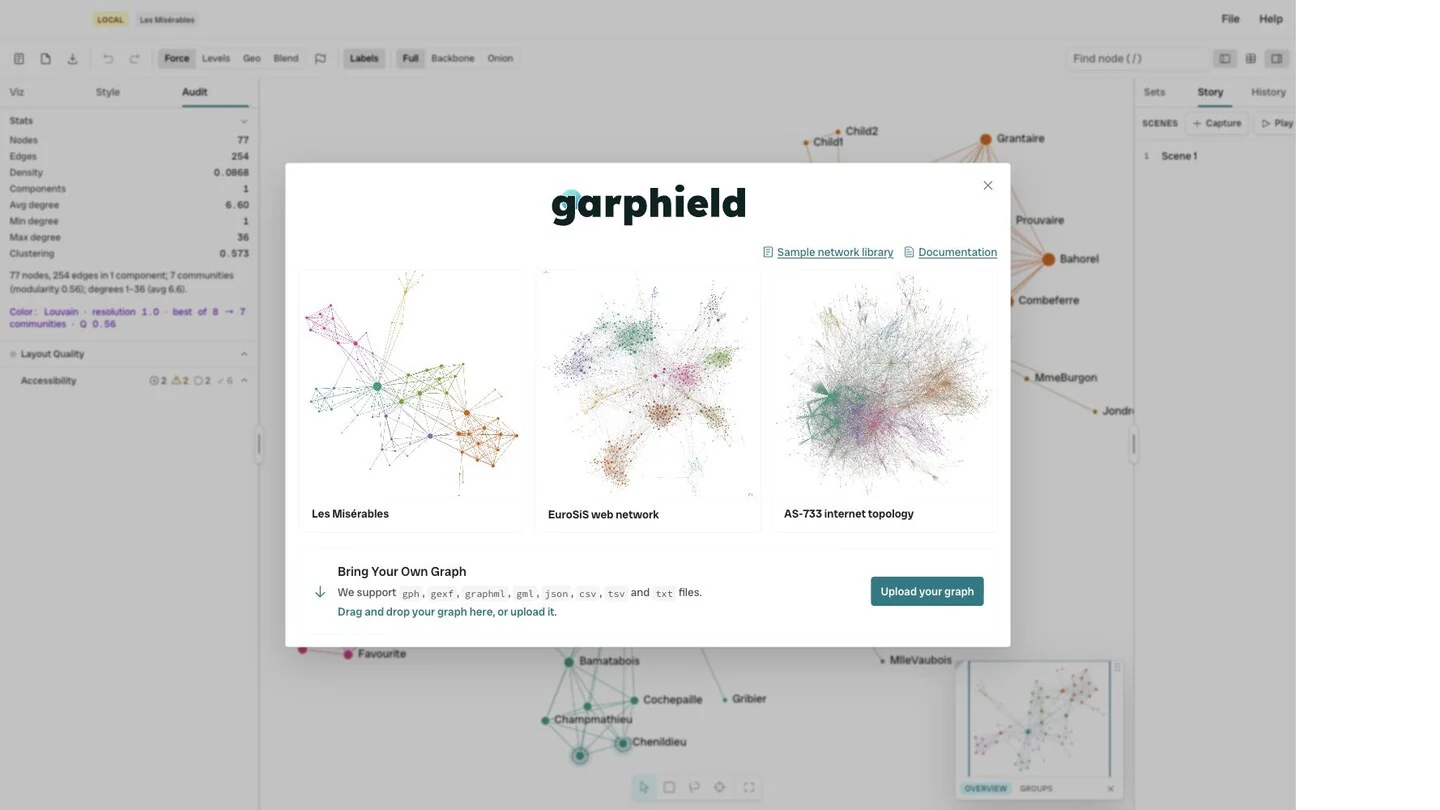
- Sample library
- Upload
-
Open a network file
Choose File → Open and select a
.gph, GEXF, GraphML, GML, Graphviz DOT, JSON, graph6, Matrix Market, CSV, TSV or edge-list file. A.gphproject also restores the Garphield workspace. -
Open an edge list
A table with
sourceandtargetheaders opens as an edge list. Header matching is case-insensitive, and other columns become link attributes. -
Open node and link tables
Select a link table and a node table together. The link table has
sourceandtargetcolumns. The node table has anidcolumn, or another key that matches the link endpoints. Garphield identifies the tables from their headers. -
Build a network from a flat table
If a CSV has no
sourceandtargetpair, choose two columns in the construction dialog. The result is either a bipartite network between the columns or a folded network between values that share a context. -
Load a URL
Pass a graph URL in the
fileparameter, as inhttps://garphield.com/?file=<encoded URL>. Garphield acceptshttp:,https:anddata:URLs. Cross-origin servers must allow the request with CORS headers. -
Generate a network
Choose File → Generate to create a reproducible random, small-world, scale-free, tree, grid, cycle, star, wheel, barbell or bipartite network.